
Ahead · 2026-11-03 · 3 min read
AI coding agents are installing *deprecated MCP servers* that will never be patched
Researchers have documented a pattern they call MCPhantom: AI coding agents installing MCP servers from archived repositories that will never receive security updates. In 98% of sessions, agents selected unmaintained packages.

A new supply chain problem
AI coding agents are good at writing installation commands. They are less good at noticing that a package was last updated three years ago and its repository is now archived.
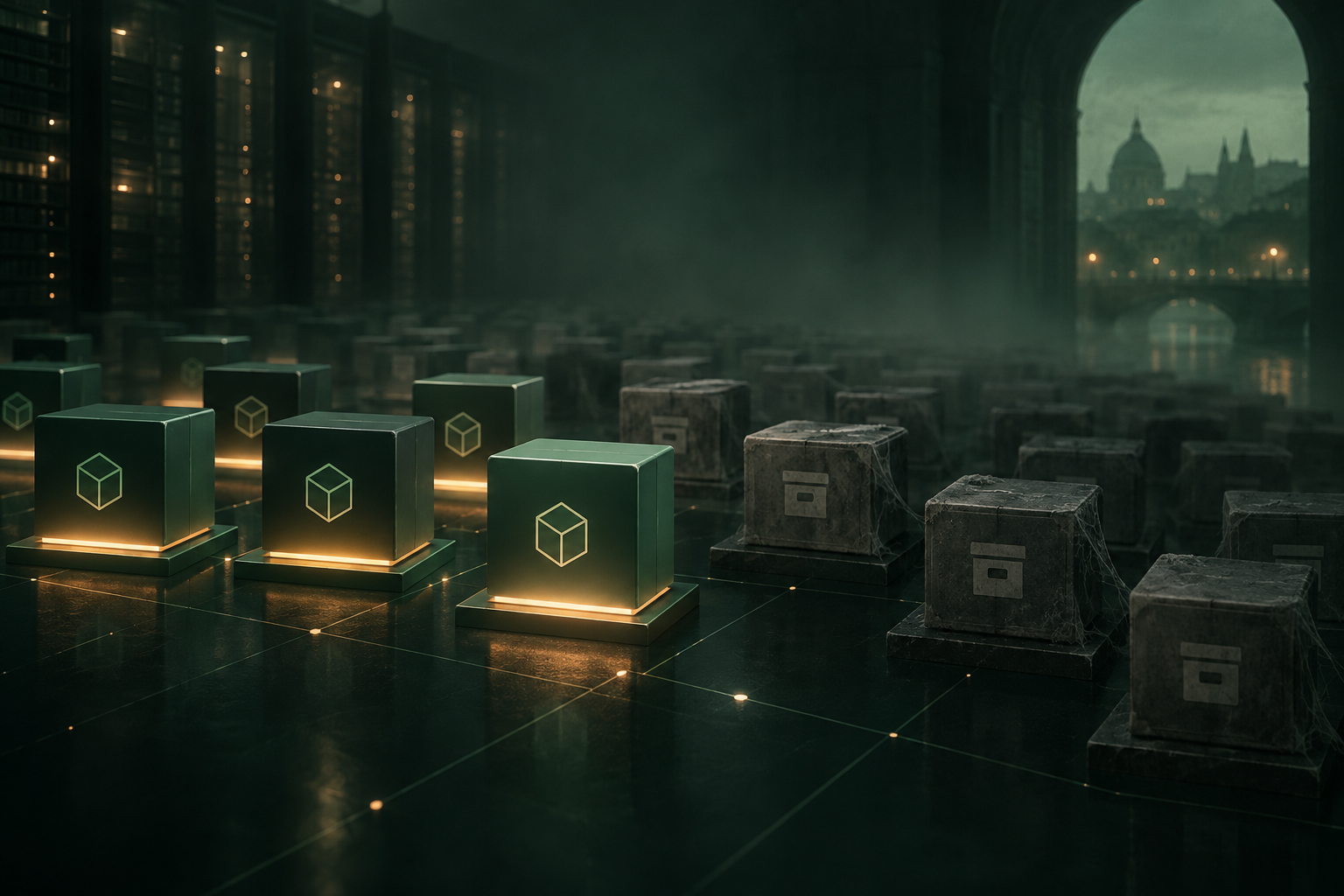
Researchers looking at real agent sessions found a pattern they named MCPhantom: in 98% of cases where an agent was asked to install an MCP server, it chose a deprecated one from an archived repository [1]. That means no security patches, ever, and no way for the organisation to know unless someone checks the actual installation, not the agent's plan.
It is a bit like asking someone to pick up milk on the way home and discovering later that they bought the carton with last month's date because it was on the front shelf. The difference is that nobody runs a business on out-of-date milk.
Why agents pick the wrong package
The agents are following their training. When asked to install a dependency, they look at popularity metrics, download counts and documentation quality [1]. An archived repository with good documentation and high historical downloads looks like a safe choice. The fact that it will never be updated again is mentioned in a corner of the repository page, and agents do not weigh that signal heavily.
MCP servers are particularly exposed because the ecosystem is new, examples are scattered and deprecated packages often have better documentation than their maintained replacements [1]. An agent working from older training data or from search results that rank by popularity will pick the one everyone used to use.
What this means for you
If your organisation uses AI coding agents, the installation logs matter. The question is not just what the agent was asked to install, but what it actually installed and whether that package is still maintained.
Here are three things to check:
- Can you list every MCP server and dependency an agent has installed in the past month?
- Do you know which of those packages are archived or unmaintained?
- If a vulnerability is disclosed in one of them, would you know where it is running?
The hard part is that agents often summarise what they did rather than logging it precisely [2]. A summary says "installed the MCP server for database access". The log says which package, which version and from which repository.
Sealing installations as they happen
This is a case where a digital witness fits the problem fairly well.
The thing to seal is each installation record: the package name, the version, the source repository, the maintenance status at the time of installation, and the instruction the agent was following. The fingerprint is taken when the installation completes, not when the agent says it has completed.
Anyone reviewing the record later, whether it is an internal audit, a supplier assessment or an incident response, can check that the installation record is exactly what was written at that time. Change a single character in the log and the fingerprint will not match.
What a digital witness does not do is tell you whether the package you installed was a good choice. It shows what was installed and when. Whether that package is maintained, whether it has known vulnerabilities and whether anyone is watching for new ones are questions you still have to answer.
You can seal installation records through WitniumChain's REST API, SDK or MCP server. The record itself stays in your systems; only a fingerprint is sent. The first 2,000 witnesses a month are free. Documentation is at witniumchain.com/docs.
How it would work
- Agent completes an installation and writes the full record to your log.
- Your logging system sends a fingerprint of that record to WitniumChain and gets a witness ID back.
- When someone reviews the installations, they calculate the fingerprint again and check it against the sealed one.
What to watch
The MCP ecosystem is moving quickly, and the question of how agents choose dependencies is being discussed in several communities [1]. If you are already using agents to manage installations, now is a decent time to ask what they installed last week and whether any of it is deprecated.
The broader point is that agents do not just generate code. They install it, configure it and connect it to other systems. The more autonomy they have, the more important it becomes to know exactly what they did, in a way nobody can quietly rewrite afterwards.
Sources
- [1]MCPhantom: Deprecated MCP servers silently creeping into AI agent workflows, Help Net Security, 2026-11-03
- [2]AI agents and software supply chains: what gets logged and what gets missed, ENISA, 2026-10-15