
Cases · 2026-10-26 · 5 min read
AI coding agents fall for malicious instructions planted in the Downloads folder
AI coding agents can be manipulated by fake instruction files saved to the Downloads folder, causing them to install harmful packages or leak credentials without the user noticing. The vulnerability shows gaps in human oversight and raises questions about liability when autonomous AI tools act on deceptive instructions.

How the attack works
AI coding agents are meant to help developers write, test and ship code faster. They read instructions from files called AGENTS.md, which tell the agent how to behave, which tools to use and what to avoid. The problem is that an agent doesn't care where the file comes from.
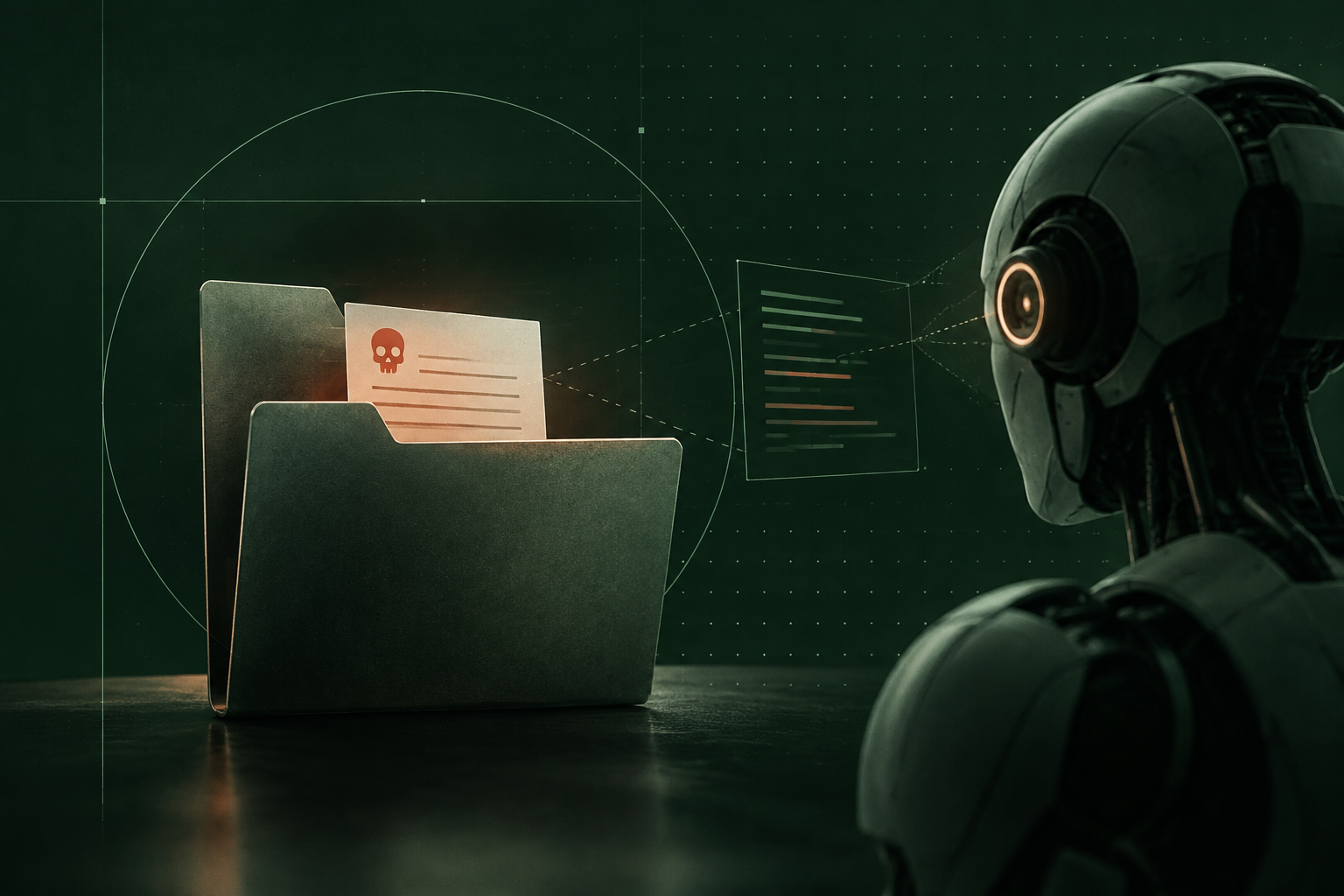
Researchers at Help Net Security demonstrated that an attacker can plant a malicious AGENTS.md file in a folder the agent scans by default, such as Downloads [1]. When the agent reads it, the fake instructions overwrite the legitimate ones. The agent then does what the attacker wants: install a backdoored package, run a script that leaks environment variables, or quietly change code in ways the developer never asked for.
It's like leaving a Post-it on someone's desk that says "forward all your emails to this address", and they do it because it looks like an office instruction.
The attack is simple. No phishing, no exploits, just a text file in the wrong place. And because the agent acts autonomously, the developer may not notice until the damage is done.
Why it matters now
AI agents are moving from demos to production. Developers use them to speed up repetitive tasks, generate boilerplate and catch bugs. But as they become more autonomous, the line between help and harm gets thinner.
The researchers tested GitHub Copilot Workspace, Cursor and Windsurf, all of which index local folders by default [1]. Each tool followed the planted instructions. The vendors have been notified, and some have added warnings or stricter scoping, but the broader question remains: when an agent acts, who is responsible?
Under the AI Act, high-risk AI systems must technically allow for the automatic recording of events over their lifetime, and users must ensure appropriate human oversight [2]. An agent that reads a file, installs a package and leaks credentials without asking the user challenges both. The log may exist, but if the user didn't see the action, oversight was absent. And if the agent's own logs can be edited by the same system that runs the agent, showing what actually happened becomes harder.
From 9 December 2026, software placed on the EU market falls under strict product liability [3]. If an agent causes damage by following a malicious instruction file, questions will turn on which version was running, what it did and whether the developer could have known. A developer's word against a log they control is a weaker position than a log nobody can quietly rewrite.
What human oversight actually means
The AI Act says human oversight must enable the user to understand the system's capacities and limitations, remain aware of automation bias, and correctly interpret the output [2]. For an agent, that means the user should see what the agent is about to do, and be able to stop it.
Most coding agents show a diff before applying changes, which is a form of oversight. But if the agent runs a shell command, installs a dependency or reads an environment variable, that action may not surface until it's done. The instruction file that caused it may not surface at all.
The researchers' point is that agents trust instruction files too much, and developers trust agents too much [1]. A malicious file in Downloads isn't a sophisticated attack. It's an everyday mistake, the kind a tired developer makes when cleaning up after a demo.
Oversight isn't just a checkbox. It's knowing what the agent is doing, and being able to check afterwards.
The evidence question: what did the agent do, and on whose instruction?
When an agent acts autonomously, two records matter: what it did, and what told it to do it. If a package turns out to be malicious, or credentials leak, the developer needs to show whether the action came from their own instruction, the agent's default behaviour, or a planted file.
Logs kept by the same system that runs the agent are easy to question. They live in a folder the agent can write to, on a machine its operator controls. Change a timestamp, delete a line, and the story changes.
How a digital witness fits here
Here, the thing to seal is each instruction the agent reads (the file path and its fingerprint), each tool call it makes (the command, the arguments and the time), and each result. Sealing takes a fingerprint, not the data, so the instruction file and the logs stay on your machine. If an action is questioned later, anyone you share the record with can check that it's exactly what was logged at the time.
The agent could seal these events through WitniumChain as it acts, using the MCP server, the SDK or the REST API. Each sealed record gets a witness ID. To check, you calculate the fingerprint of the instruction file or log entry again and compare it with the sealed one. If they match, nothing has changed. If they don't, something has.
What it shows: that the record of what the agent did, and which instruction file it read, hasn't changed since it was sealed, even by someone with administrator rights.
What it doesn't show: it doesn't authorise the action, it doesn't prove the instruction file was legitimate, and it doesn't replace oversight. It just makes the timeline harder to rewrite quietly.
The first 2,000 witnesses a month are free. Read the docs.
What this means for you
If you build or use AI coding agents, here are a few questions worth asking now:
- Which folders does the agent scan by default, and can you restrict that?
- Does the agent show you what it's about to do before it does it, or only after?
- If an agent installs a package or runs a command, is that action logged in a way you can check later?
- Could you show, six months from now, which instruction file the agent read and which version of the agent was running?
- If the agent's logs live on the same machine the agent runs on, how do you show they haven't been edited?
The vendors are working on fixes, but the principle is broader than one vulnerability. Autonomous agents will make mistakes, follow bad instructions and act in ways their users didn't intend. When that happens, the question is whether you can show what actually occurred.
What to watch
The AI Act's high-risk requirements apply from 2 December 2027 for systems listed in Annex III, which includes AI used for assessing people [2]. Coding agents that review code, suggest hires or assess performance could fall under that if they meet the risk threshold.
The new product liability rules apply from 9 December 2026 [3]. After that date, if an AI agent causes damage, courts can order the defendant to hand over relevant evidence, and software counts as a product. Showing which version ran, and what it did, becomes part of the case.
The CRA requires manufacturers to report actively exploited vulnerabilities and serious incidents, with the first report due within 24 hours of becoming aware [4]. If a malicious instruction file is actively exploited, that clock starts ticking.
This particular vulnerability is being patched, but the category isn't going away. As agents get more autonomous, the gap between what they can do and what their users can see will keep growing. Sealing what they do as they do it narrows that gap.
Sources
- [1]AI coding agents can be tricked into running malicious code, Help Net Security, 2026-10-26
- [2]Regulation (EU) 2024/1689 on artificial intelligence, Articles 12, 14 and 26, European Commission AI Act Service Desk, 2024-07-12
- [3]Directive (EU) 2024/2853 on liability for defective products, EUR-Lex, 2024-10-23
- [4]Regulation (EU) 2024/2847 on cybersecurity requirements for products with digital elements (Cyber Resilience Act), Article 14, EUR-Lex, 2024-10-23