
Cases · 2026-10-21 · 4 min read
AOMEI's update servers were hijacked for *minutes at a time* to push backdoors
Attackers broke into AOMEI Backupper's update servers in brief five-to-ten-minute windows between April and July 2026, altering configuration files to deliver backdoors before restoring the originals. The stealthy supply chain attack infected an unknown number of backup software users.

What happened
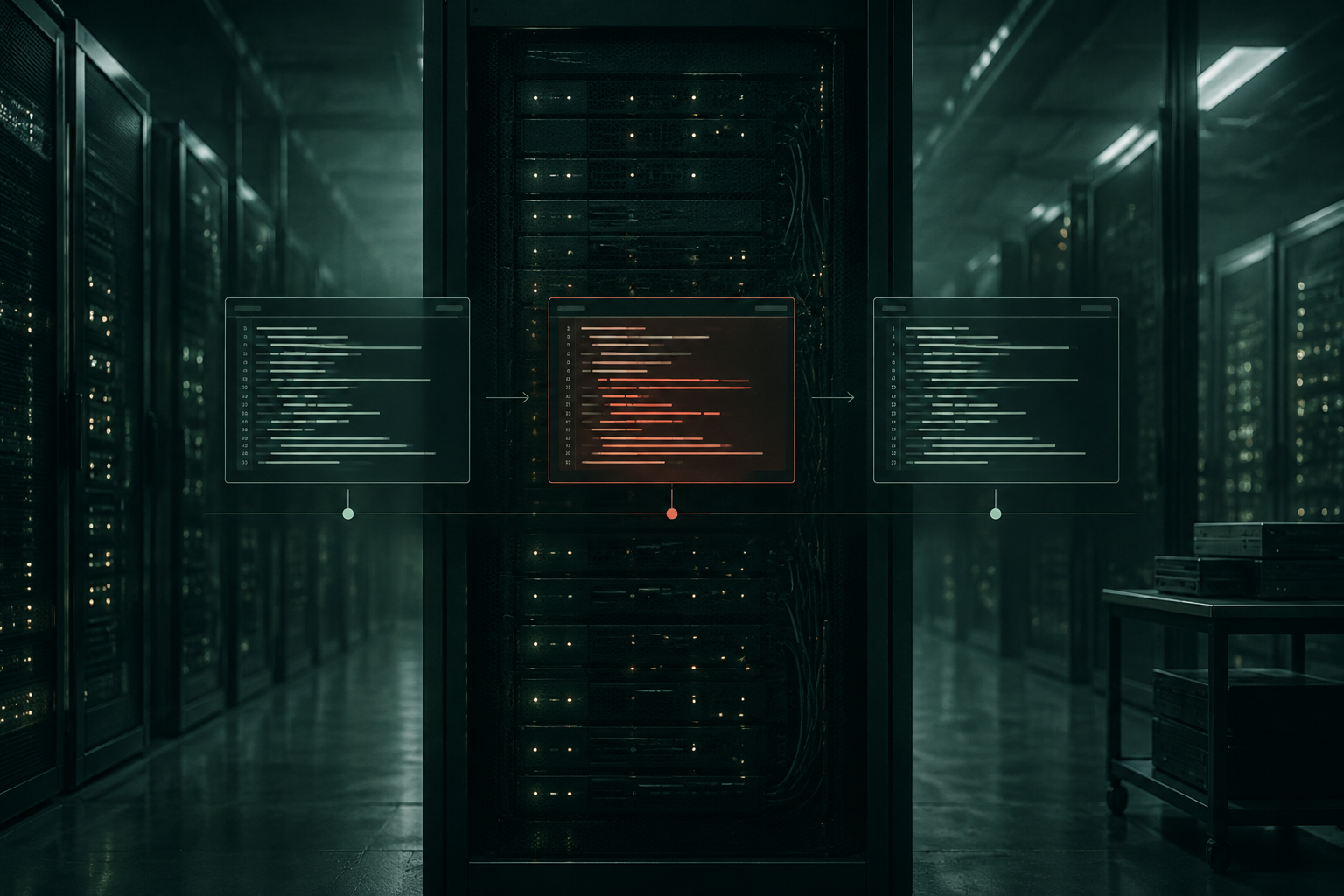
Between April and July 2026, someone broke into the update servers for AOMEI Backupper, a popular backup application, and changed configuration files to point users towards malicious updates [1]. The twist: each takeover lasted only five to ten minutes. After that, the attackers put the original files back and vanished.
It's like someone breaking into a post office, swapping a few address labels on parcels, then putting everything back before anyone notices. By the time the next shift arrives, the room looks normal and the parcels with the wrong labels are already on their way.
The backdoors reached users through AOMEI's own update system. When the software checked for updates during one of those narrow windows, it downloaded and installed malware instead of a legitimate patch. For the rest of the day, the servers behaved normally [1].
Why the short windows mattered
Most supply chain attacks leave traces: altered files, timestamps that don't match, logs that show unusual access. This one was designed to avoid all of that. By restoring the original configuration after each hijack, the attackers made it look as though nothing had happened.
Security tools that scan for file changes would have seen the alterations only if they checked during those few minutes. Logs would show the changes being made and then undone, which could look like maintenance rather than an attack. Without continuous monitoring of what the update servers were actually serving to users, the compromise was easy to miss.
The brief takeovers also limited exposure. Fewer infected machines mean fewer reports, which makes it harder for researchers and vendors to spot a pattern.
The evidence question
When an update server is compromised, three questions usually come up: what was served, when was it served, and to whom?
In this case, AOMEI would need to show which configuration files were on the server at different times, and which versions of the software were downloaded by users during the attack windows. If the only record is a file timestamp or an access log kept on the same server that was breached, that record can be questioned.
Server logs are useful, but they're kept by the same systems an attacker may have access to. An attacker who can change a configuration file can often change a log as well.
A digital witness for update integrity
Here, the thing to seal is each version of the configuration file as it's published to the update server, and each software package as it's made available for download. Sealing takes a fingerprint of the file, not the file itself, so the update packages and configurations never leave your infrastructure.
When a question arises about what was served during a particular window, you calculate the fingerprint of the file again and compare it with the sealed one. If they match, the file hasn't changed since it was sealed. If they don't, something has been altered.
Anyone you share the sealed fingerprint with can do the same check. Internal security teams, incident responders and forensic investigators can all verify that a given version of a configuration or package is exactly what existed at the time it was sealed, even if the server itself was later breached.
It doesn't prevent an attacker from changing files, and it doesn't replace access control, monitoring or code signing. What it does is make tampering visible. If an attacker alters a configuration file, the fingerprint won't match the sealed one, and that mismatch shows up immediately when someone checks.
You can seal update manifests and configuration files continuously through WitniumChain, using the REST API, the SDK or the MCP server. The content stays with you. To check, you calculate the fingerprint again and compare it with the sealed one. The first 2,000 witnesses a month are free. Read the docs.
How it would work
- Seal the configuration file and each software package when they're published to the update server.
- Keep the sealed fingerprints in a separate, protected location.
- When an incident is suspected, calculate the fingerprints of the files currently on the server and compare them with the sealed ones.
What this means for you
If you run software with an update mechanism, ask:
- Do we have a record of what was on our update servers at any given time, in a form nobody with access to those servers can quietly change?
- If our update infrastructure were breached for ten minutes, would we know?
- Can we show users and incident responders which versions of our software were available for download on a specific day?
If the answer to any of those is no, sealing update configurations and packages as they're published gives you a checkable record, independent of the servers themselves.
What to watch
Supply chain attacks are getting more sophisticated, and the window for detection is shrinking. Under the Cyber Resilience Act, which applies from 11 September 2026, manufacturers of products with digital elements must report actively exploited vulnerabilities and serious incidents through ENISA's platform, with tight deadlines [2]. That includes showing what happened and when you became aware of it.
For software vendors, the question is no longer just whether an attack happened, but whether you can prove what your systems were serving at the time.
Sources
- [1]AOMEI Backupper servers hijacked for minutes at a time to push backdoor, Help Net Security, 2026-10-20
- [2]Regulation (EU) 2024/2847 on cybersecurity requirements for products with digital elements (Cyber Resilience Act), Article 14, EUR-Lex, 2024-11-20